PS3 Firmware Wiki download document logo PS3 Firmware WikiVerified system software reference
Official system software reference

PS3 Firmware Download

This official PS3 firmware download provides the latest system software for a PlayStation 3 console or RPCS3. Version 4.93 is verified against Sony's live US update list, and the file checksum below was calculated from the complete Sony-hosted PS3UPDAT.PUP package.

Official OFWVerified SHA-256No installer wrapper
One PUP file, two valid uses

Choose where you need to install PS3 firmware

Sony distributes PS3 system software as a PUP package. The same official PS3UPDAT.PUP file can update a physical console or install the firmware libraries required by RPCS3. The download is identical, but the installation path is different. Choose your destination before following any instructions so you do not copy the file to the wrong place or look for a separate, unofficial emulator BIOS.

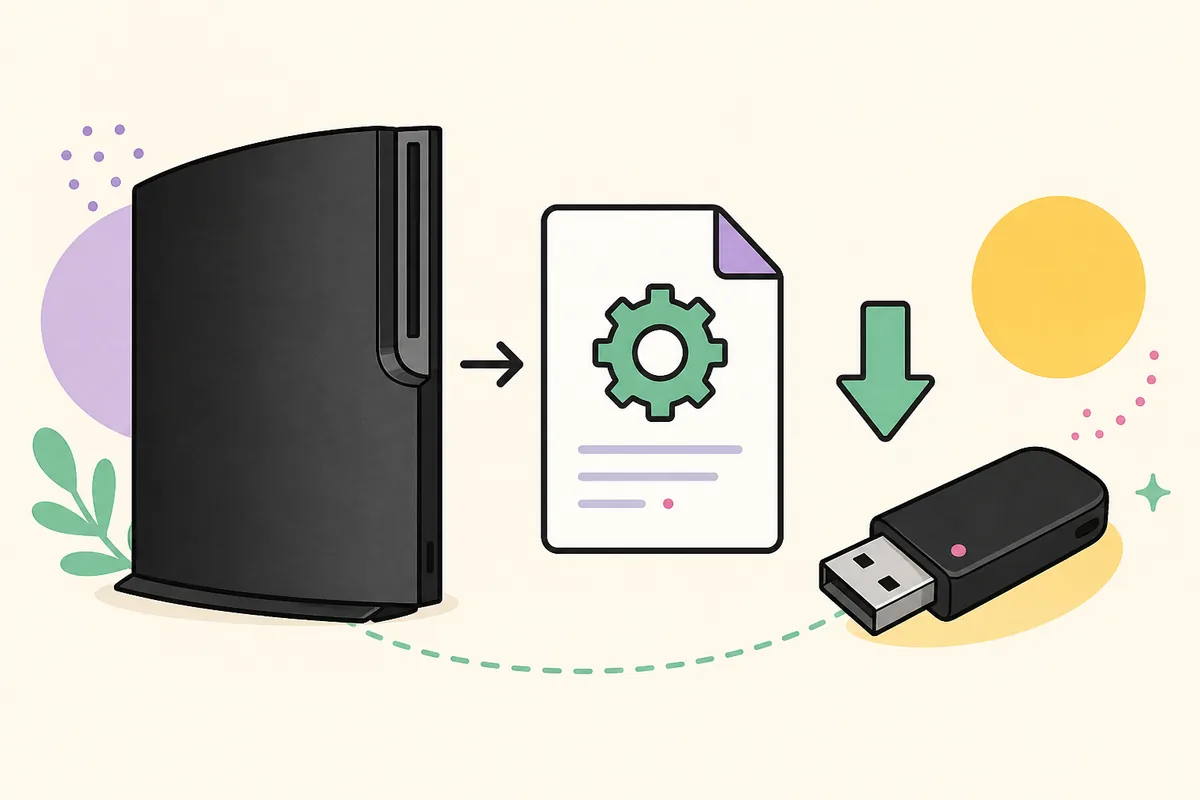
Illustration of a PS3-style console, firmware document, download arrow, and USB drive
Illustration: official PS3 firmware is a PUP system software file that can be installed on a console or imported into RPCS3. This is not an official Sony product image.

Update a PS3 console

Use the console's built-in internet update when it works, or prepare a FAT32 USB drive for an offline update. The USB method requires an exact uppercase folder path and the original PS3UPDAT.PUP filename.

  • Keep at least 200 MB free
  • Use FAT32 with an MBR partition
  • Never turn off the console during installation
Install firmware on PS3

Install firmware in RPCS3

RPCS3 does not need a separate BIOS download. It imports Sony's official PUP through File > Install Firmware and extracts the system modules that supported games need.

  • Download the same official PUP
  • Do not rename it before importing
  • Use a current RPCS3 build
Open the RPCS3 firmware guide
From download to installed firmware

How to use the official PS3 firmware download

Downloading the file is only the first part of the update. Before installation, confirm the file name, compare the checksum, and choose the correct workflow. These four checks prevent the most common problems: a browser adding a duplicate suffix, an incomplete download, a USB drive the PS3 cannot read, or an emulator user selecting a compressed archive instead of the PUP itself.

1

Download

Use the verified button for firmware 4.93. After the required 15-second verification wait, the request goes to Sony's PS3 update server without an EXE, ZIP wrapper, or account wall.

2

Confirm the file

The downloaded item should be named PS3UPDAT.PUP and should be 206,197,916 bytes. If the name ends in .zip, .exe, .iso, or .pup.pup, stop and check the source.

3

Verify the hash

Calculate SHA-256 and compare it with 158471fd834f8ea8036136b6aab43cd86c7ba73d79ca30e0af3c0fe0001cf365. A mismatch means the file is incomplete or different.

4

Install correctly

For a console, copy the file into PS3/UPDATE on a FAT32 USB drive. For RPCS3, select the PUP directly from File > Install Firmware instead of copying it into a console-style folder.

Required USB pathPS3/UPDATE/PS3UPDAT.PUP
Open the full install guide
Version history

PS3 firmware version archive

Use the archive to identify earlier official firmware releases and their release order. Only version 4.93 currently has a direct source that we verified against Sony's live update list. Historical entries remain reference-only until their files, sizes, and hashes can be independently checked. An old PUP file does not automatically make a console downgrade possible.

VersionReleasedTypeVerificationAction
4.93Latest March 18, 2026 Official Firmware (OFW) Verified Details
4.92 March 5, 2025 Official Firmware (OFW) Reference only Reference
4.91 February 27, 2024 Official Firmware (OFW) Reference only Reference
4.90 February 28, 2023 Official Firmware (OFW) Reference only Reference
4.89 May 10, 2022 Official Firmware (OFW) Reference only Reference
Browse the firmware archive
Know exactly what you downloaded

Verify PS3UPDAT.PUP before installation

A firmware download deserves more scrutiny than an ordinary document because the console or emulator will parse privileged system files from it. We record the exact source URL, byte size, MD5, SHA-256, release date, and last verification date for the latest official package. Those facts let you confirm that the download you received is the same file we inspected instead of relying on a vague safe-download badge.

The current US update list reports system software 4.9300 and points to a Sony-hosted PS3UPDAT.PUP dated March 18, 2026. Our July 13, 2026 verification downloaded all 206,197,916 bytes and produced the SHA-256 shown on this site. Sony serves the legacy update endpoint over HTTP, so checksum verification is especially important after the transfer completes.

Official firmware, hybrid firmware, and custom firmware are not interchangeable labels. The main download on this site is Sony official firmware, commonly shortened to OFW. It is intended for normal system updates and RPCS3 firmware installation. This site does not mix HFW, CFW, NoBD builds, jailbreak packages, game ROMs, or decryption keys into the official download flow.

Do not install an old or modified firmware package merely because its version number looks useful. PS3 downgrade and custom-firmware compatibility depend on console hardware, minimum version, flash type, and the method being used. A wrong package can fail validation or leave the console unable to complete an update.

Sony sourceThe latest URL comes from Sony's regional PS3 update list.
Exact byte size4.93 contains 206,197,916 bytes, separate from the 200 MB free-space requirement.
Published hashesSHA-256 and MD5 let you compare your local PUP with the verified file.
Visible freshnessThe page shows when the source and checksum were last checked.

Quick answers

PS3 firmware download FAQ

What is the latest PS3 firmware version?

The latest version reported by Sony's US PS3 update list during our July 13, 2026 check is system software 4.93, internally shown as 4.9300. Sony released the current package on March 18, 2026. Check the visible verification date because Sony can publish another version later.

Is this the official PS3 firmware download?

The primary 4.93 button points to the PS3UPDAT.PUP URL published in Sony's own US update list. PS3 Firmware Wiki is an independent reference and is not an official Sony website. We expose the source and checksum so the relationship is clear and verifiable.

What is PS3UPDAT.PUP?

PS3UPDAT.PUP is the standard filename for a PlayStation 3 system software update package. A physical PS3 reads it from the PS3/UPDATE folder on supported removable storage. RPCS3 can import the same PUP through its Install Firmware command. It is not an ISO, Windows installer, or game file.

Can I use this PS3 firmware with RPCS3?

Yes. RPCS3's official quickstart directs users to obtain PlayStation 3 system software from Sony and install it through File > Install Firmware. You do not need a separately labeled PS3 BIOS. Keep the PUP intact and select it directly in RPCS3.

Why is there a 15-second wait before the download?

The site-builder workflow uses an accessible 15-second in-page verification wait for download CTAs. The countdown does not open an advertisement, require an account, or send you to a second confirmation page. When it finishes, the browser requests the verified Sony source URL.

How do I check the PS3 firmware SHA-256?

On Windows, open a terminal in the download folder and run certutil -hashfile PS3UPDAT.PUP SHA256. On macOS or Linux, run shasum -a 256 PS3UPDAT.PUP. Compare the complete result character by character with the value on the 4.93 detail page.

Can I downgrade a PS3 using an older PUP?

Not through the normal update menu simply by choosing a lower version. The console enforces version and hardware rules. Downgrade eligibility depends on the model, minimum factory firmware, flash type, and specialized methods. The archive is a version reference, not a promise that every listed release can be installed over a newer one.

What should I do if the PS3 says no applicable update data was found?

First verify that the drive is FAT32 with an MBR partition, the folders are exactly PS3/UPDATE, and the file is exactly PS3UPDAT.PUP. Then confirm the PUP checksum and try the console's Safe Mode update option if the normal menu cannot detect it. The troubleshooting page provides a complete decision path.